You found the bug!
Someone hid this tiny beeper and you tracked it down by ear. Maybe it was a game, maybe it was a prank. Either way, you win this round.
What It’s For
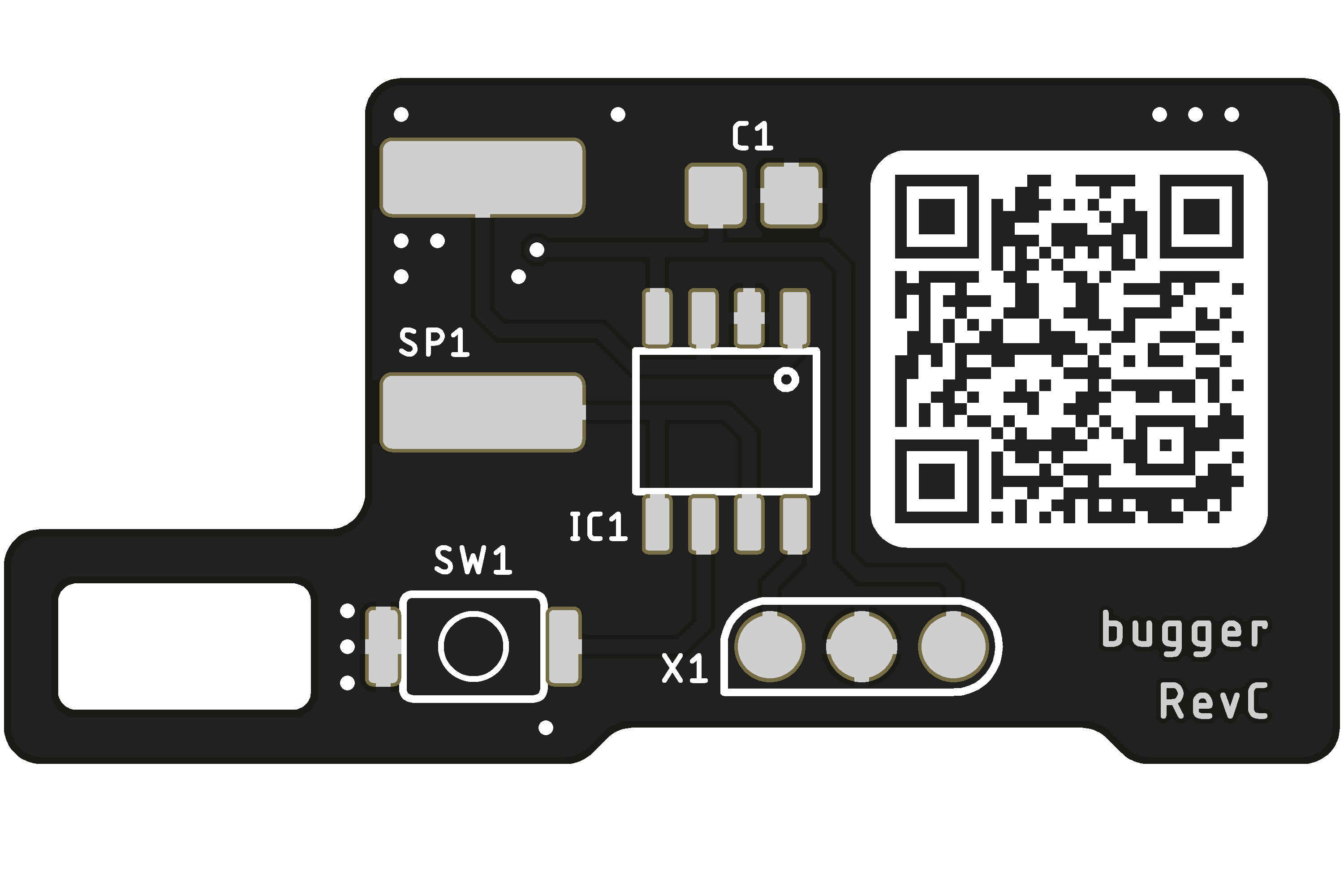
Bugger is a tiny electronic bug on a coin cell. It stays quiet, beeps every now and then, and can only be found by ear. It’s also a simple kit: five parts that really anyone can solder, so you can easily build a whole box of them at once. The schematic, board and firmware are open source.
- Fox Hunt
- Radio orienteering where your ears are the receiver. Hide it in the woods or in a building and let everyone track it down.
- Search by Sound
- Short-range pinpointing, as in an avalanche beacon drill. Bury it in leaves or snow, or blindfold whoever is searching.
- Scotland Yard
- Like Mister X, it gives away its position every so often. Clip it to whoever is running and give them a head start.
- Where’s That Beep?
- You know when a smoke alarm battery is dying and you just can’t tell where the chirp is coming from? Same thing, only much smaller, and just as loud. If one ever got left behind somewhere, you’d be looking for it for a long time.
Choose Your Weapon
Cricket
A summer night, all year round
- 20s – 2min quiet
- 2-4 bursts of chirps
- MAX
- Real crickets go quiet when you sneak up on them. So does this one.
Gaslighter
You remember it wrong.
- 10 – 30min quiet
- 3-5 x 1s beeps, 2s gaps
- Regular
- Waits just long enough, then starts beeping again; different every time
Chaos
Maximum disruption
- 10-30s quiet
- 1-3 x 200ms-1s beeps
- Loud
- Some men just want to watch the world burn
Smoke Alarm
The hallway sound
- 40s quiet
- 600ms chirp
- MAX
- One sharp chirp at a fixed interval
Tinnitus
Is it just me or can you hear it too?
- 3 – 8min quiet
- 1-3min high whine
- Faint
- Continuous, high-pitched sound that gets on your nerves
Haunted
They’re in my walls
- 3 – 15min quiet
- Different effect each time
- Regular
- Long press to select just one effect
Getting Started
Insert the Battery
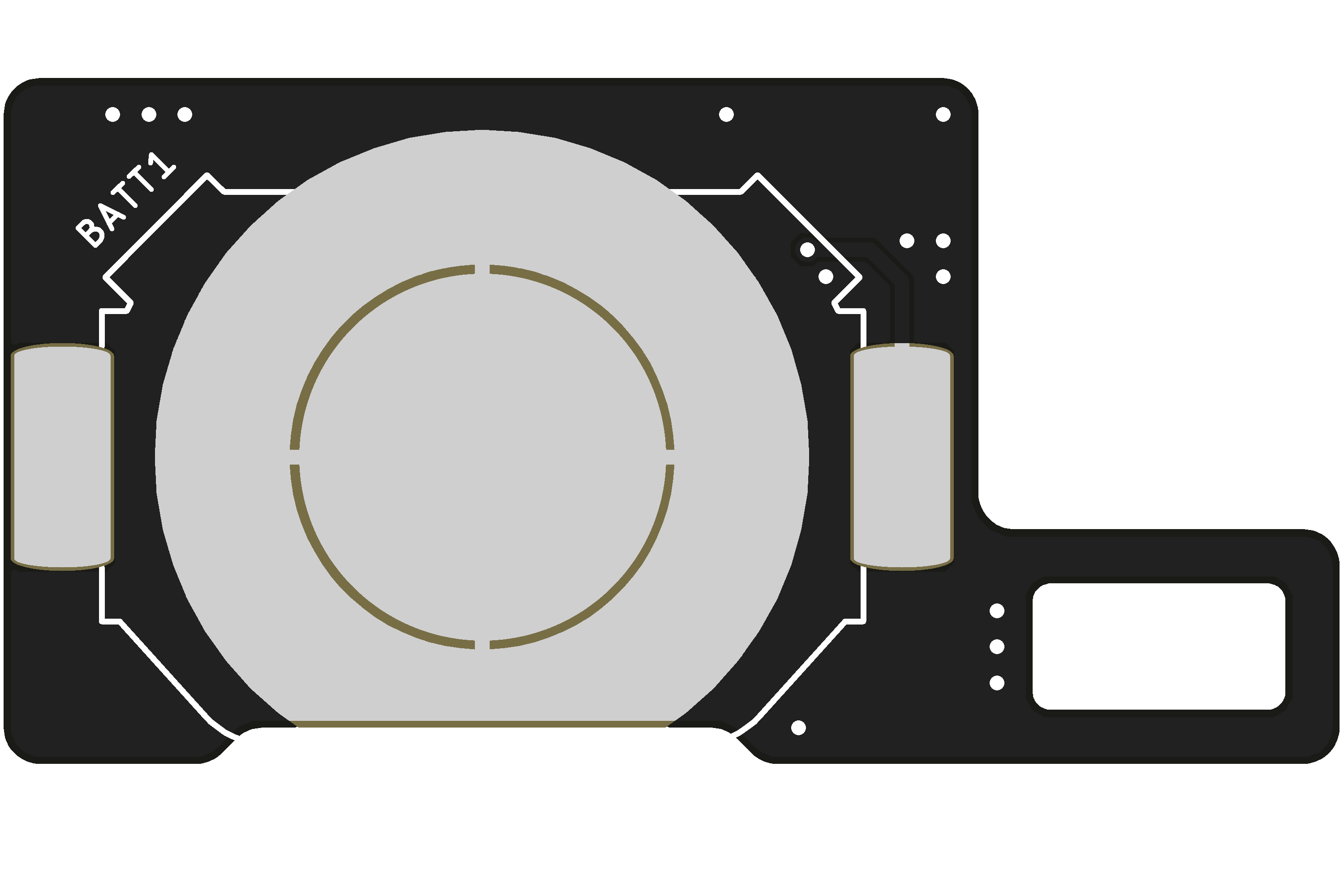
Pop a CR2032 coin cell into the battery holder on the bottom of the board (the side opposite the QR code and components).
Make sure the positive (+) side faces up (away from the board) — line it up with the + marker on the battery shield.
Choose Your Mode
Press the button to switch. Number of beeps = mode number. Wait 5 seconds to select.
In mode 6, hold the button to pick a single effect.
Hide It
Pick a hiding spot: the woods, a building, a pile of leaves, or the backpack of whoever is running.
Where exactly is up to you :)